Currently, the following middleware types are supported: Redis, Kafka, and RocketMQ.
Prerequisites
- You have configured a license by referring to License Configuration.
- You have added credentials by referring to Credential Management.
- You have installed the middleware collector by referring to Plugin Management.
- You have discovered middleware resources by referring to Discovering Middleware Resources.
Procedure
- Double-click the RDA icon on the desktop or RDA.exe in the installation directory to start the RDA client. Enter the username and password to log in to the RDA console.
- In the navigation pane on the left, choose Assessment > Recommendation.
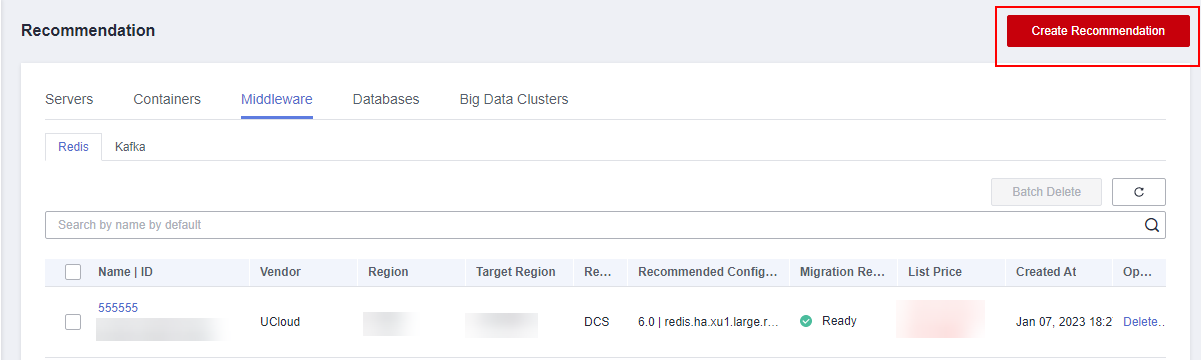
- On the Middleware tab page, click Create Recommendation in the upper right corner. Read the message carefully, and click OK.
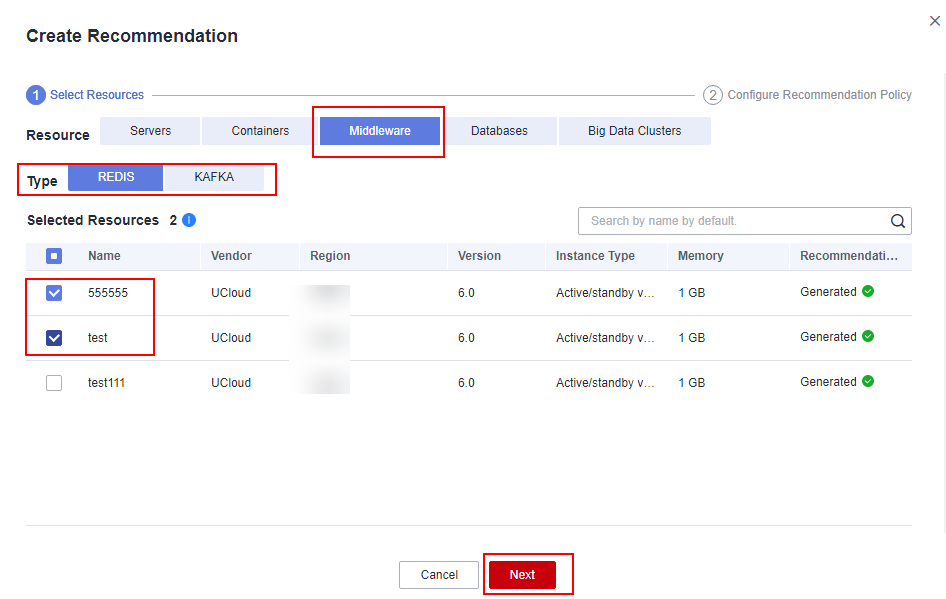
- Set Resource to Middleware, select a resource type, select middleware resources to be evaluated in the resource list, and click Next.
- Select the site and region you want to migrate to, and click Complete.

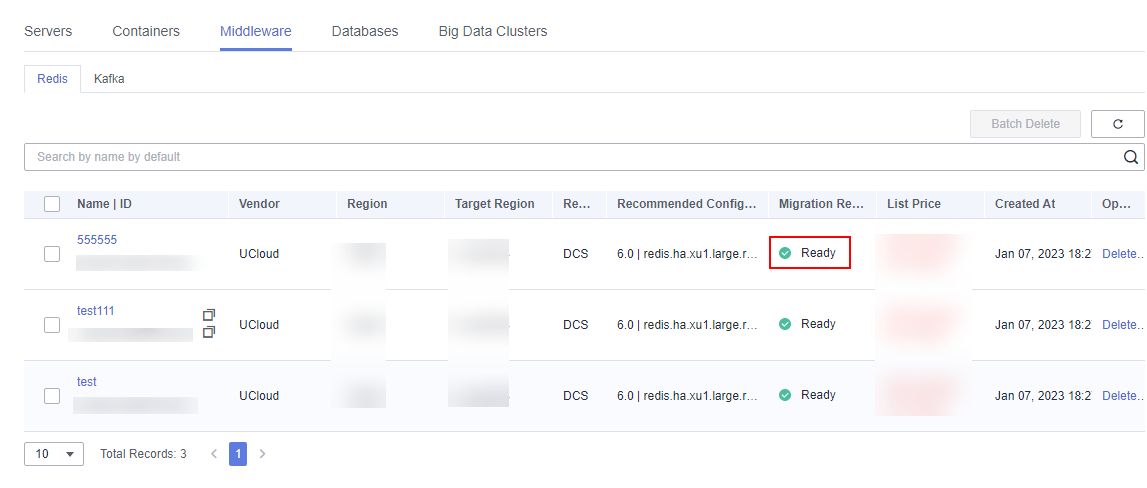
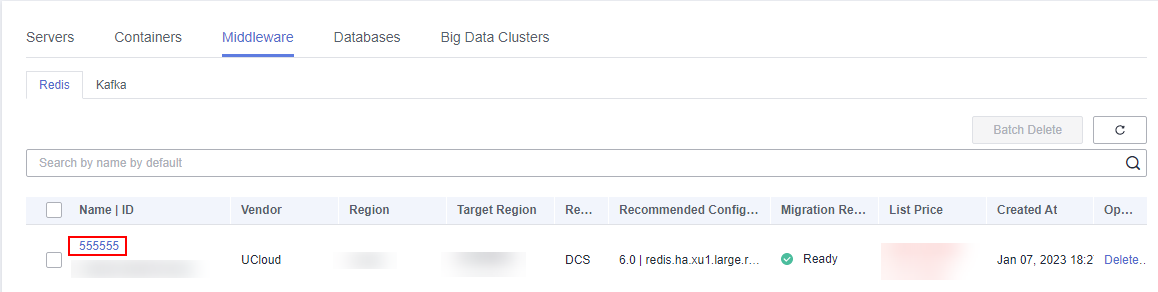
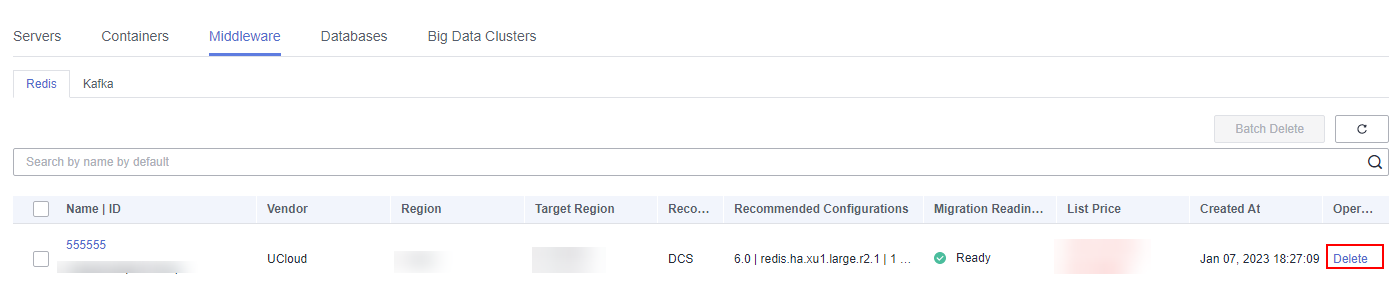
- Wait for the recommendation process to complete. You can view the recommendation in the list.
The recommendation statuses include To be evaluated, Evaluating, Evaluation failed, Ready, Risky, and Not ready. If the migration suggestion is ready, all items have passed the check. You can view the recommendation details and migrate to the resources of the recommended configurations. For other statues, view the recommendation details, handle the problem, and perform the recommendation again.