Scenarios
This section describes how to obtain and configure the license when you use RDA for the first time.
Procedure
- Double-click the RDA icon on the desktop or RDA.exe in the installation directory to start the RDA client. Enter the username and password to log in to the RDA console.
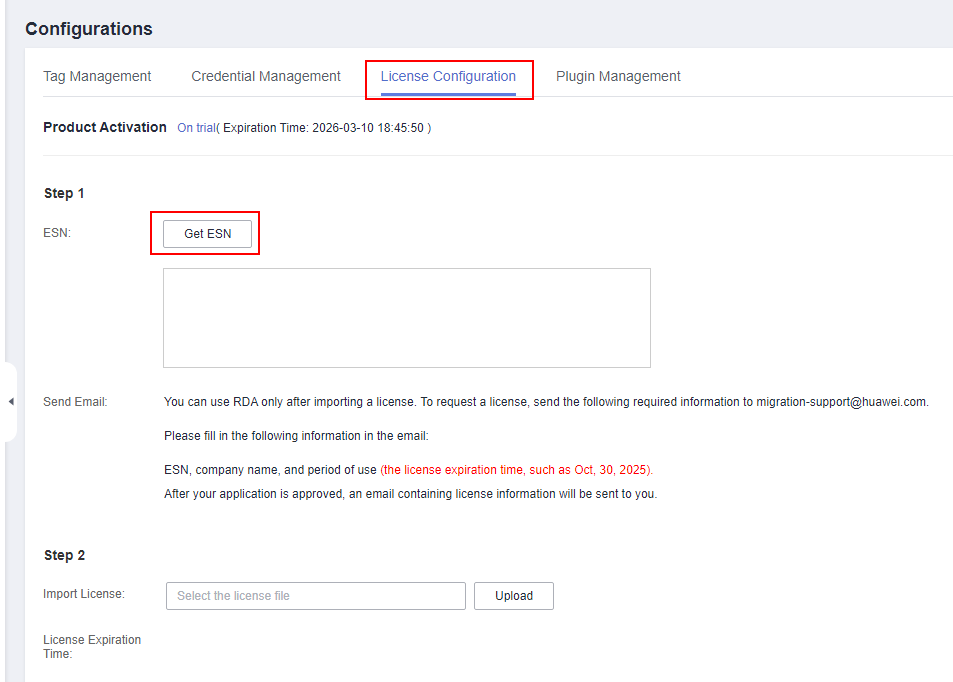
- In the navigation pane on the left, choose Configurations. Click the License Configuration tab and then Get ESN on the right of ESN.Figure 1 Configuring the license
- After obtaining the ESN, send required information to migration-support@huawei.com for review. After the application is approved, the license file will be sent to the corresponding email address.
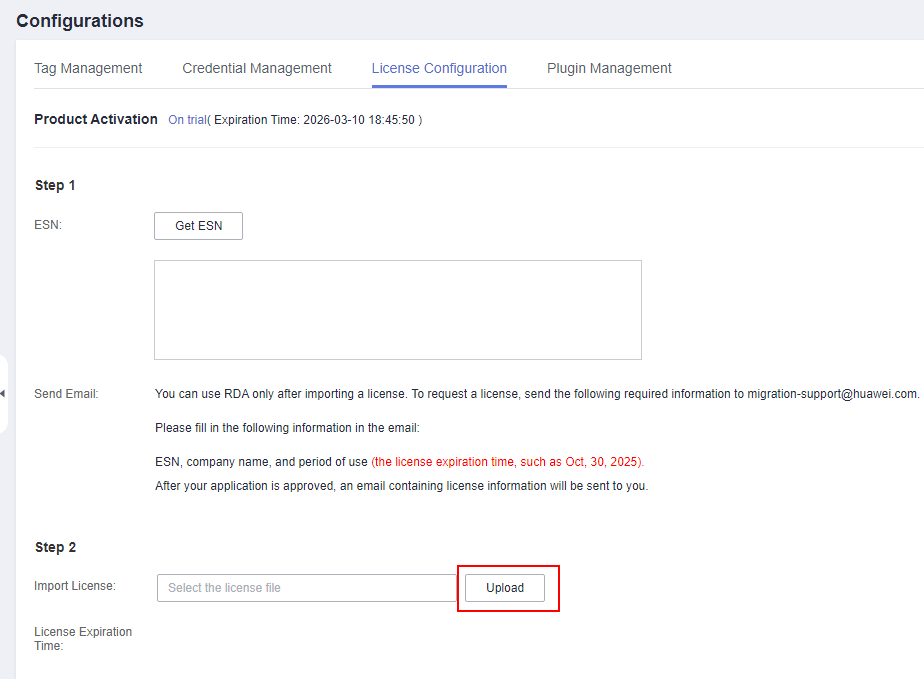
- On the License Configuration tab page, in the Import License box, select the obtained license file and click Upload.Figure 2 Uploading a license file