Scenarios
You can view the information about network resources, such as VPNs, VPCs, EIPs, security groups, public NAT gateways, load balancers, domain names, route tables, cloud connections, and private line connections, collected from your platform.

Network information can be collected only through the platform discovery.
Prerequisites
You have successfully discovered your cloud platform using RDA. For more information, see Discovering Platform Resources.
Procedure
- Double-click the RDA icon on the desktop or RDA.exe in the installation directory to start the RDA client. Enter the username and password to log in to the RDA console.
- In the navigation pane on the left, choose Discovery > Networks.
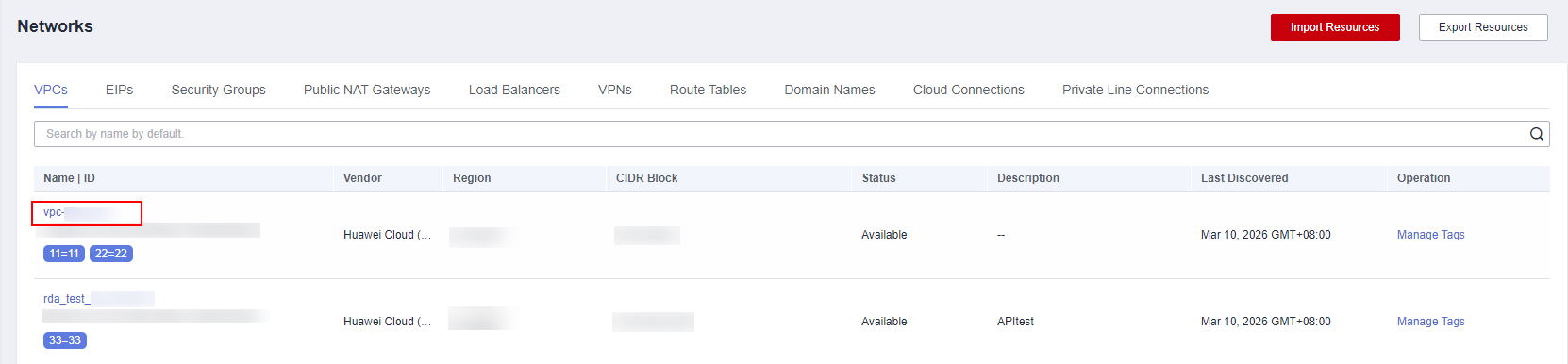
- Click the corresponding tab to view the information about network resources on the discovered platform. Click a network resource name to view the collected details.
Follow-Up Operations
- Adding a tag
When there is a large amount of network resources, you can add tags to them to facilitate identification and quick search.
- Locate the network resource, and click Manage Tags in the Operation column.

- Select one or more tags. A tag value can be empty.
If no tags meet your requirements, click
 and create a tag by referring to Tag Management.
- Locate the network resource, and click Manage Tags in the Operation column.
- Quick search
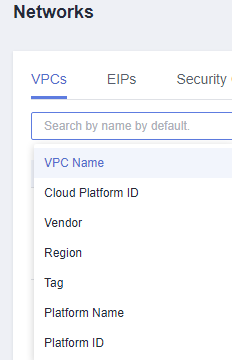
On the Networks page, click a tab, and specify the search criteria to quickly search for network resources.