Scenarios
Tag management is used to quickly and conveniently search for and manage servers.
Procedure
- Double-click the RDA icon on the desktop or RDA.exe in the installation directory to start the RDA client. Enter the username and password to log in to the RDA console.
- In the navigation pane on the left, choose Configurations. Click the Tag Management tab and then Add.
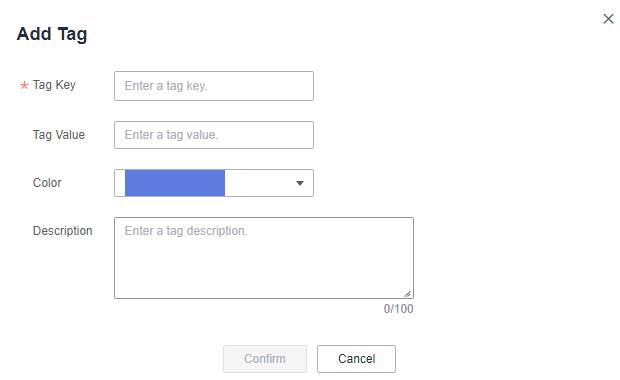
- In the displayed Add Tag dialog box, enter a tag key and value, select a color, and click Confirm.Figure 1 Confirmation