If you set Continuous Synchronization to Yes when configuring the migration settings, after the full replication is complete, you need to manually launch the target server to complete the migration.

If you set Continuous Synchronization to No, skip this section as the system will automatically launch the target server after the full replication is complete.
Scenarios
You can launch a target server for a migration in the Continuous sync status, and the continuous synchronization will be interrupted. To perform a synchronization after you launch the target server, click Sync to synchronize the incremental data.
Before launching the target server, you can clone the target server for service testing, and only launch the target server after tests confirm there are no issues.
The cloned server must be in the same AZ as the target server, but can be in a different VPC.
Procedure
- Double-click the RDA icon on the desktop or RDA.exe in the installation directory to start the RDA client. Enter the username and password to log in to the RDA console.
- In the navigation pane on the left, choose SMS > Agents.
- Locate the target server you want to launch, and click Launch Target in the Operation column.
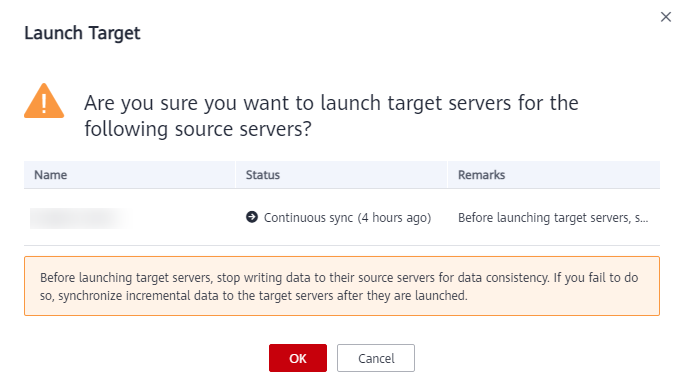
- In the displayed Launch Target dialog box, click OK.Figure 1 Confirmation
- Check whether the Status has changed to Finished. If it has, the target server has been launched and the migration is complete.