Scenarios
You need to install the Agent on the source server to be migrated. During the Agent installation, you need to enter the AK/SK pair of the Huawei Cloud account you are migrating to. After the Agent is started successfully, it automatically reports source server information to SMS. All collected data is used for migration only.
There are two options for Windows:
- GUI-based Windows Agent (Python 3): Windows Server 2019/2016/2012 and Windows 10/8.1
- CLI-based Windows Agent (Python 2): Windows Server 2008 and Windows 7

You must log in to a Windows source server as user Administrator.
Prerequisites
- You have made preparations by referring to Preparing for Migration.
- You have obtained the administrator permissions for the source server.
Downloading the Agent Installation File
- Double-click the RDA icon on the desktop or RDA.exe in the installation directory to start the RDA client. Enter the username and password to log in to the RDA console.
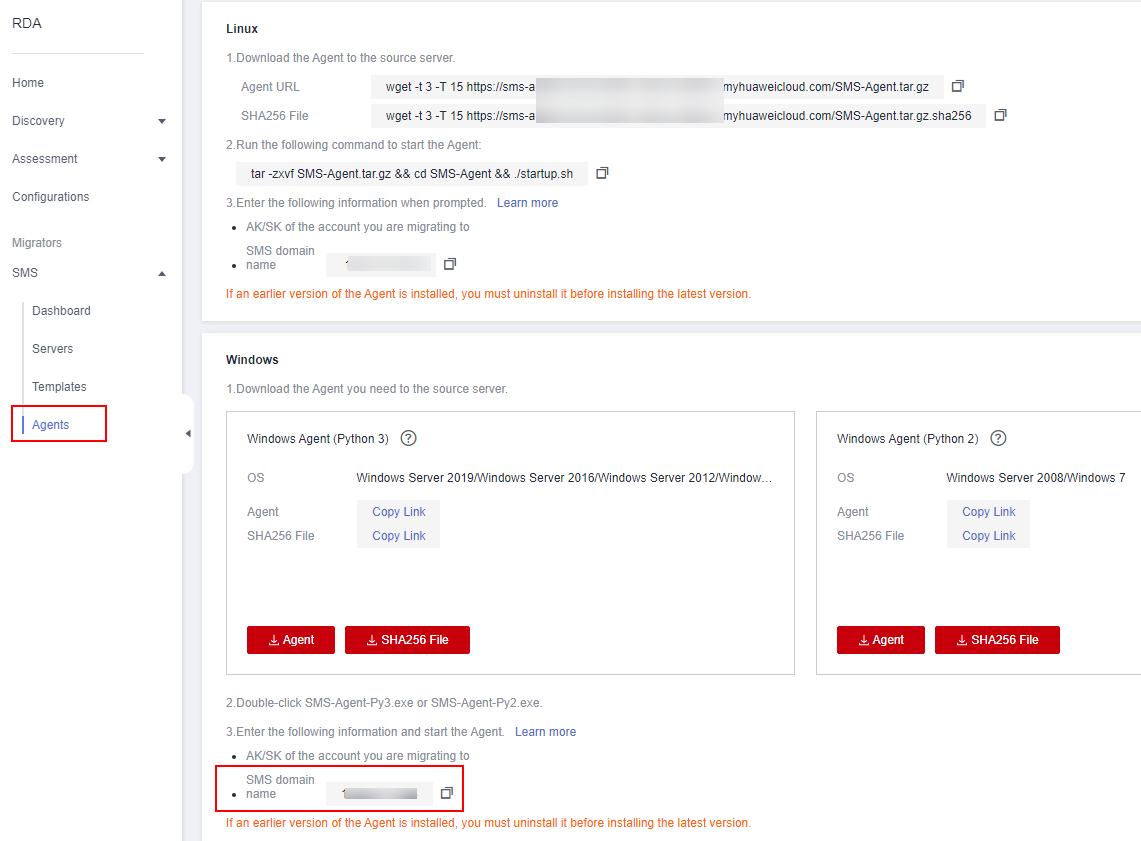
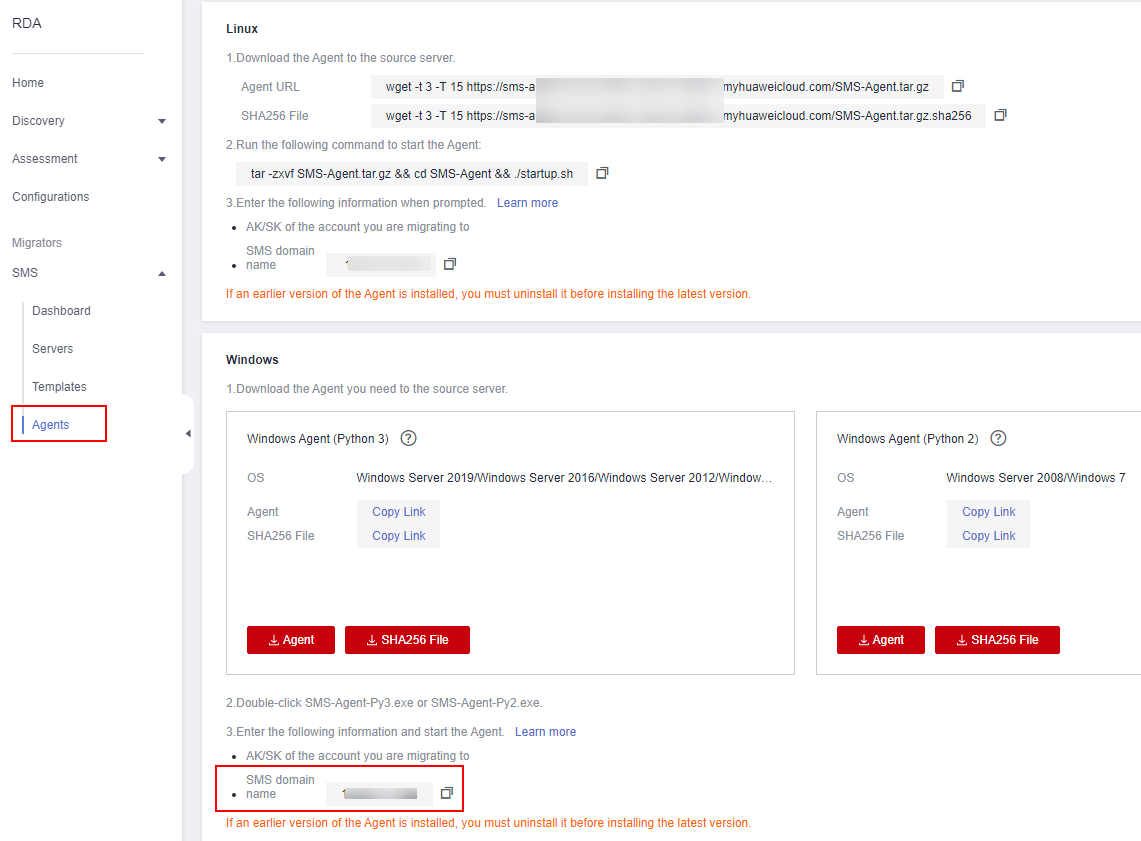
- In the navigation pane on the left, choose SMS > Agents.
- In the Windows area, click Agent to download the Agent you need. Please carefully read the precautions.
- Windows Agent (Python 3): This is a GUI-based version designed for Windows Server 2019/2016/2012 and Windows 10/8.1.
- Windows Agent (Python 2): This is a CLI-based version designed for Windows Server 2008 and Windows 7.
- In the pane of the Agent you have downloaded, click SHA256 File, read the precautions, and click Download. Use the hash value contained in the downloaded file to verify the integrity of the Agent installation file. For details, see How Do I Verify the Integrity of the Agent Installation File?.
Installing the Windows Agent (Python 3)
- Transmit the SMS-Agent-Py3.exe file to the source server.
- Log in to the source server as user Administrator and double-click the SMS-Agent-Py2.exe file.
- Click Install and wait for the installation to complete.
- Click Finish. The SMS-Agent GUI is displayed.
- Enter the AK/SK pair of the destination account and the SMS domain name in the region you are migrating to. You can obtain the SMS domain name on the Agents page of the RDA console, as shown in Figure 1.
- Click Start.
- Carefully review the Privacy Statement and click Yes if you want to continue.
When the message "Upload success. Waiting for the SMS instruction" is displayed, the Agent has been started. You need to log in to the RDA console and perform subsequent operations.
Installing the Windows Agent (Python 2)
- Transmit the SMS-Agent-Py2.exe file to the source server.
- Log in to the source server as user Administrator and double-click the SMS-Agent-Py2.exe file.
- Click Install and wait for the installation to complete.
- Click Finish. The SMS-Agent CLI is displayed.

To manually start the Agent when needed, double-click agent-start.exe in the installation directory C:\SMS-Agent-Py2.
- When prompted, enter the AK and SK of the Huawei Cloud account and the SMS domain name in the region you are migrating to. You can obtain the SMS domain name on the Agents page of the RDA console, as shown in Figure 2.