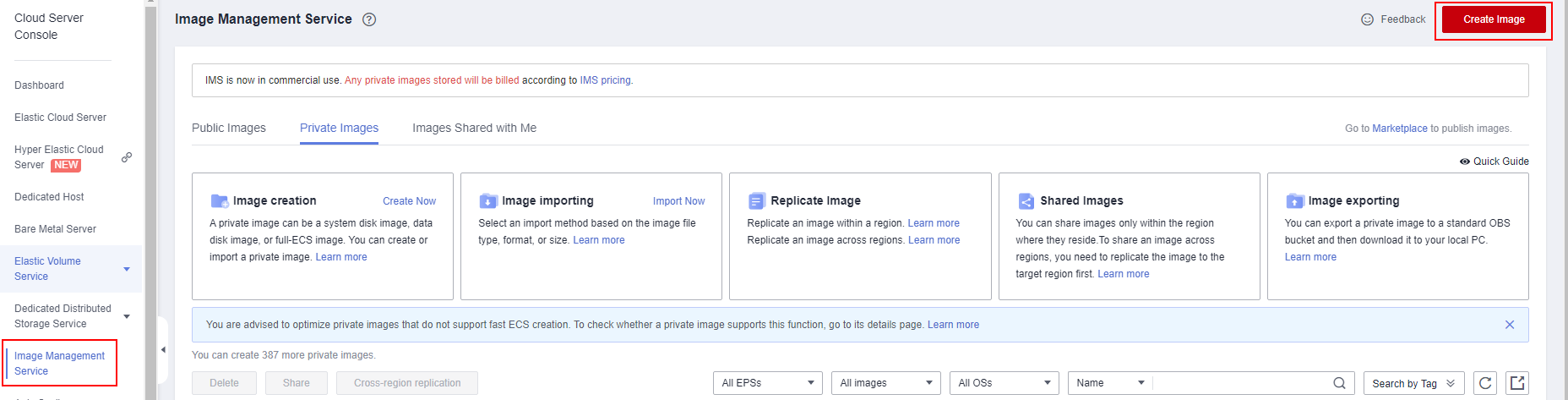
- Upload the created Windows image file to an OBS bucket and use IMS to create a private image.
- Select Import image for Type and System disk image for Image Type and select the image file from the OBS bucket.
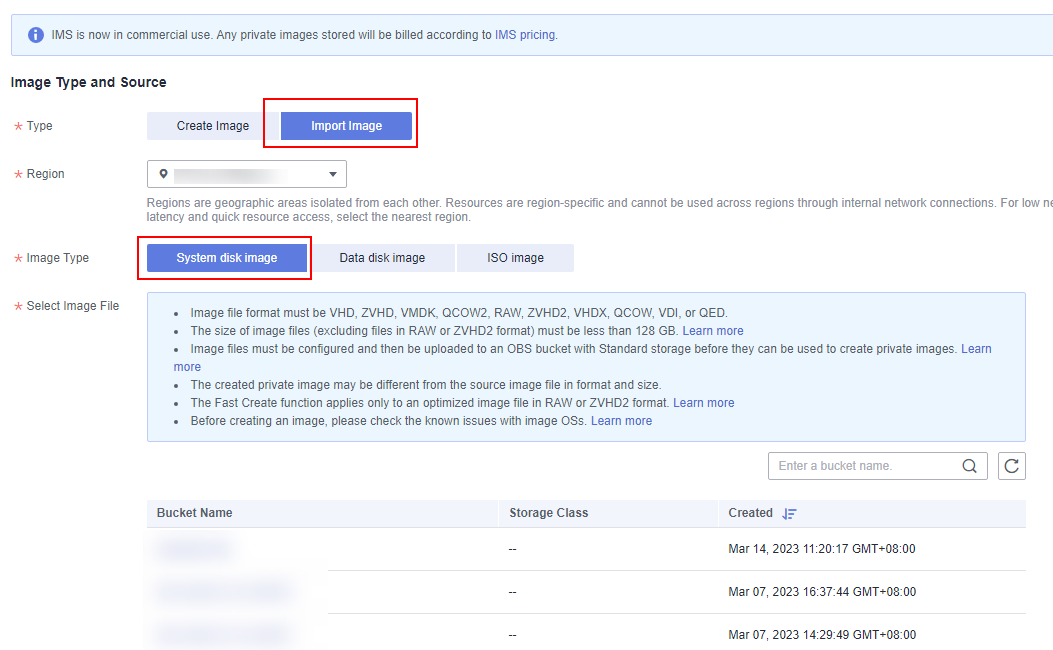
- Configure the image information by referring to Table 1.
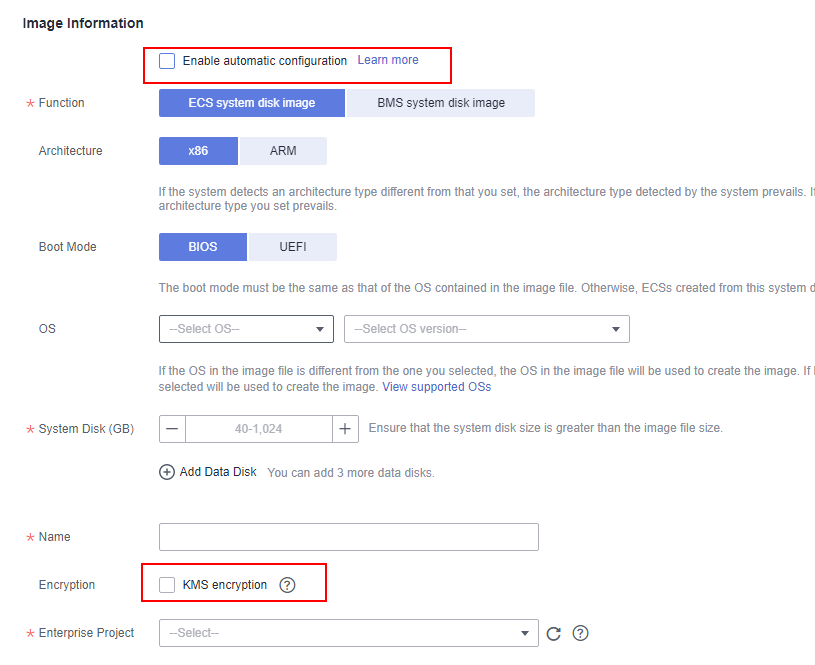
Table 1 Configuring parameters Parameter
Configuration
Type
System disk image
Select Image File
Image File (Select the uploaded WindowsServer.zhvd file.)
Enable automatic configuration
Deselect this option.
OS
No setting is required.
System Disk
40 GB
Name
Windows_Server_01
Encryption
Deselect KMS encryption.
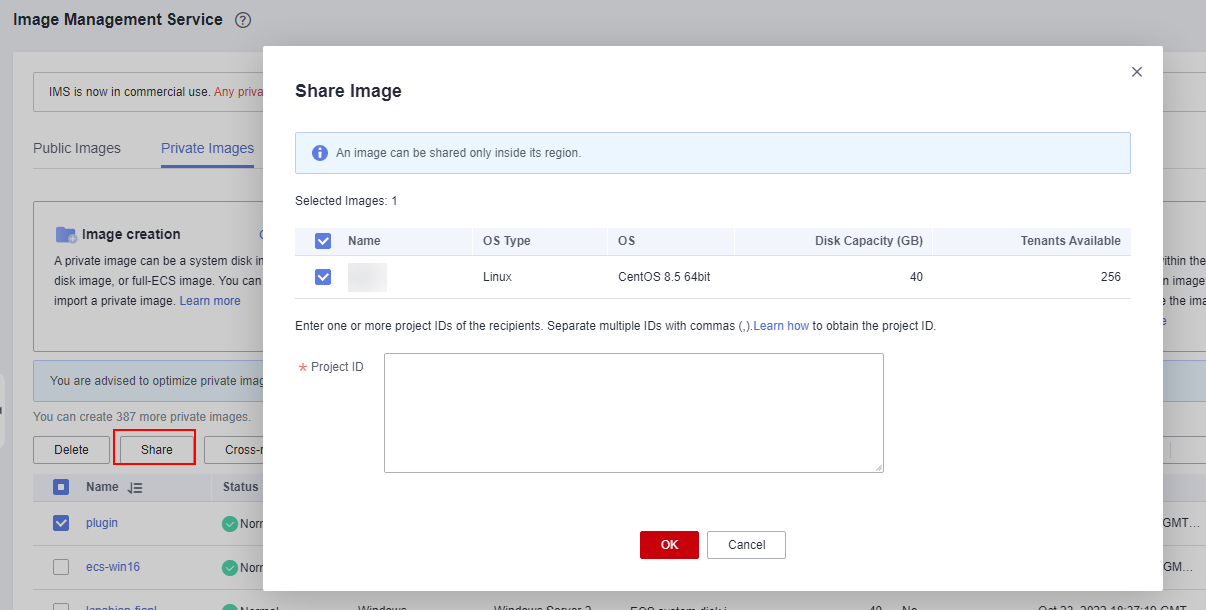
- Wait until the image is created and record the image ID. Share this image if multiple tenants need to perform server migrations.